
YOUR NEXT INTRODUCTION, UPGRADED
More than a card.
A conversation.
Give people one easy way to connect with you. Create your free AI digital business card and put your next introduction online.
TRY IT FOR YOURSELF
Meet my digital self.
Save my details, explore my work, or ask my AI a question.
- Save my contact
- Visit my website
- Ask my AI
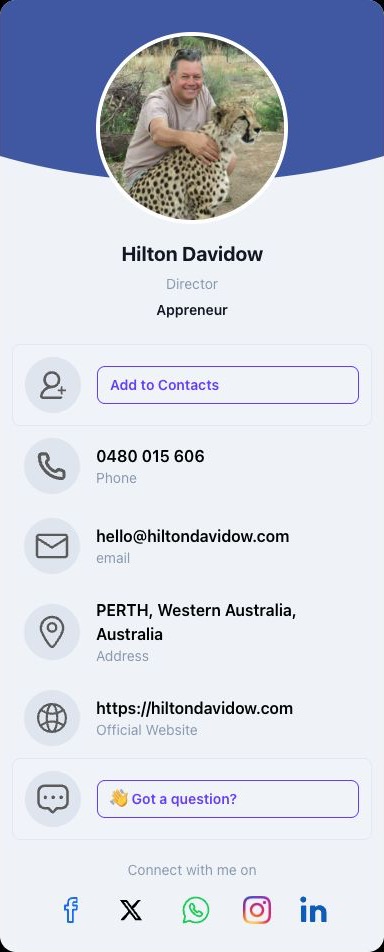
MEET HILTONHIS ACTUAL CARD
A SIMPLE START
From introduction
to connection.
- 01
Choose your address
Start with a name or business that people will recognise.
- 02
Make it yours
Create your HiltonAI account and add your details to your card.
- 03
Share your introduction
Give people your card link so they can get to know you and connect.
What happens when I continue?
You’ll go to HiltonAI to create your account and digital business card. Your preferred address is passed to the setup flow.
Is my preferred address guaranteed?
No. Availability is checked during card setup. If this address is taken, you can choose another during setup.